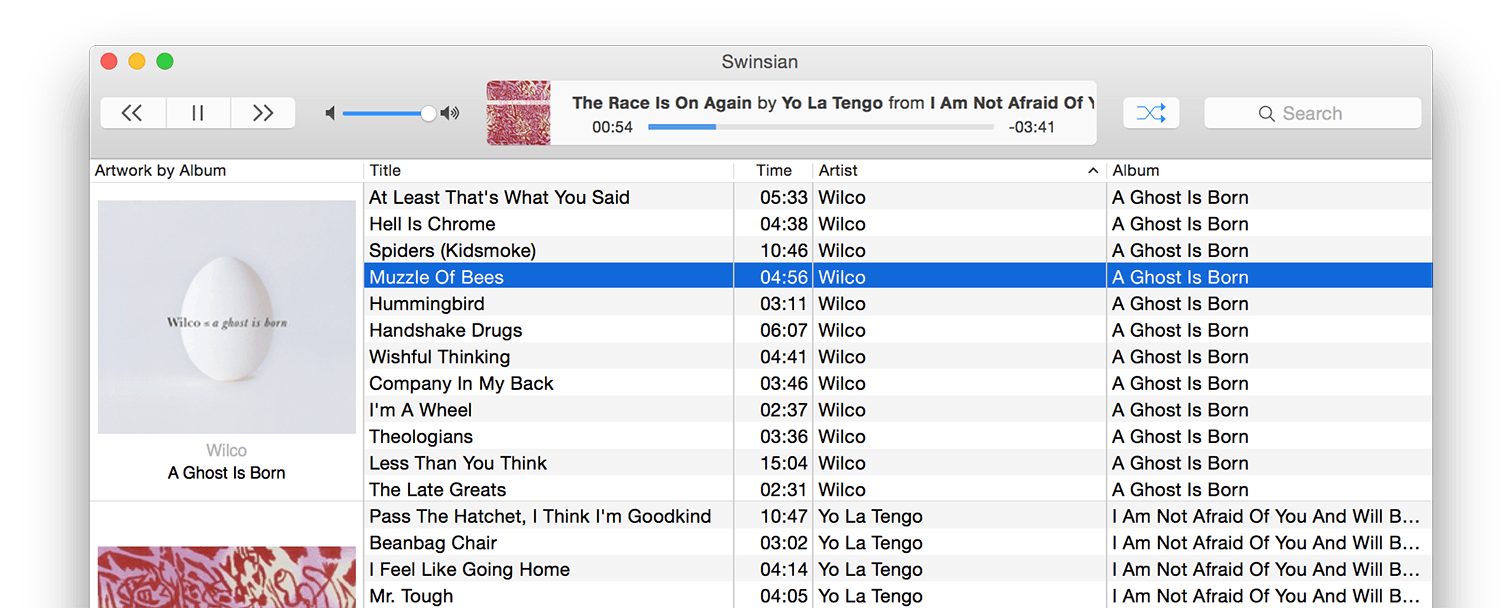
Growing up in the UK in the late 80's, early 90's, especially in Manchester, it was almost impossible not to be into music. And not just in the "I like to listen to music" way. I mean spending hours in independent record shops, making relationships so you can get access to the latest white label promo releases and get the underground scoop on what's coming up. That was definitely me. Towards the last year of high school and then during my two years of six form college, I would be traveling around, mainly the store in Manchester, but over to Bolton and other areas as needed. I then went to Bradford University, which had it's own scene, somewhat independent but connected to the northern dance music scene. Most of the music at that time was only on vinyl, but over time more and more music was beginning to get pressed to CD too and I loved the digital, no-click/pop sound - it felt right with the exact, electronic, drum-machine and synth drive music I was interested in. This was way before even the mp3 came along.
I have a separate project on digitizing my vinyl collection, but here I'll discuss the tools and techniques I've found to best manage my collection.
Capturing Digital Audio
- Your first challenge is getting the audio from the CD to your file system. I'm a Mac user so all my suggestions here will be focused on applications in that ecosystem, but most have Windows versions and some even Linux. There are thousands of apps that will rip your audio, and most if not all operating systems will come with software that can do it. Avoid those at all cost, unless your CDs are pristine. Mine, which come from the 1989-2006 range are not. You want to make sure you have a bit-for-bit copy. Luckily, there is a project called AccurateRip that helps with exactly this. Visit the site to learn more, but it uses an internet database, made up of users from all around the world that have the same CDs, and a comparison activity to check a hash of your copy, with all those that are our there. As of writing this, the project has over 4 million key disks (used to configure your specific optical drive) and over 500M accurate rip records. Pretty wild.
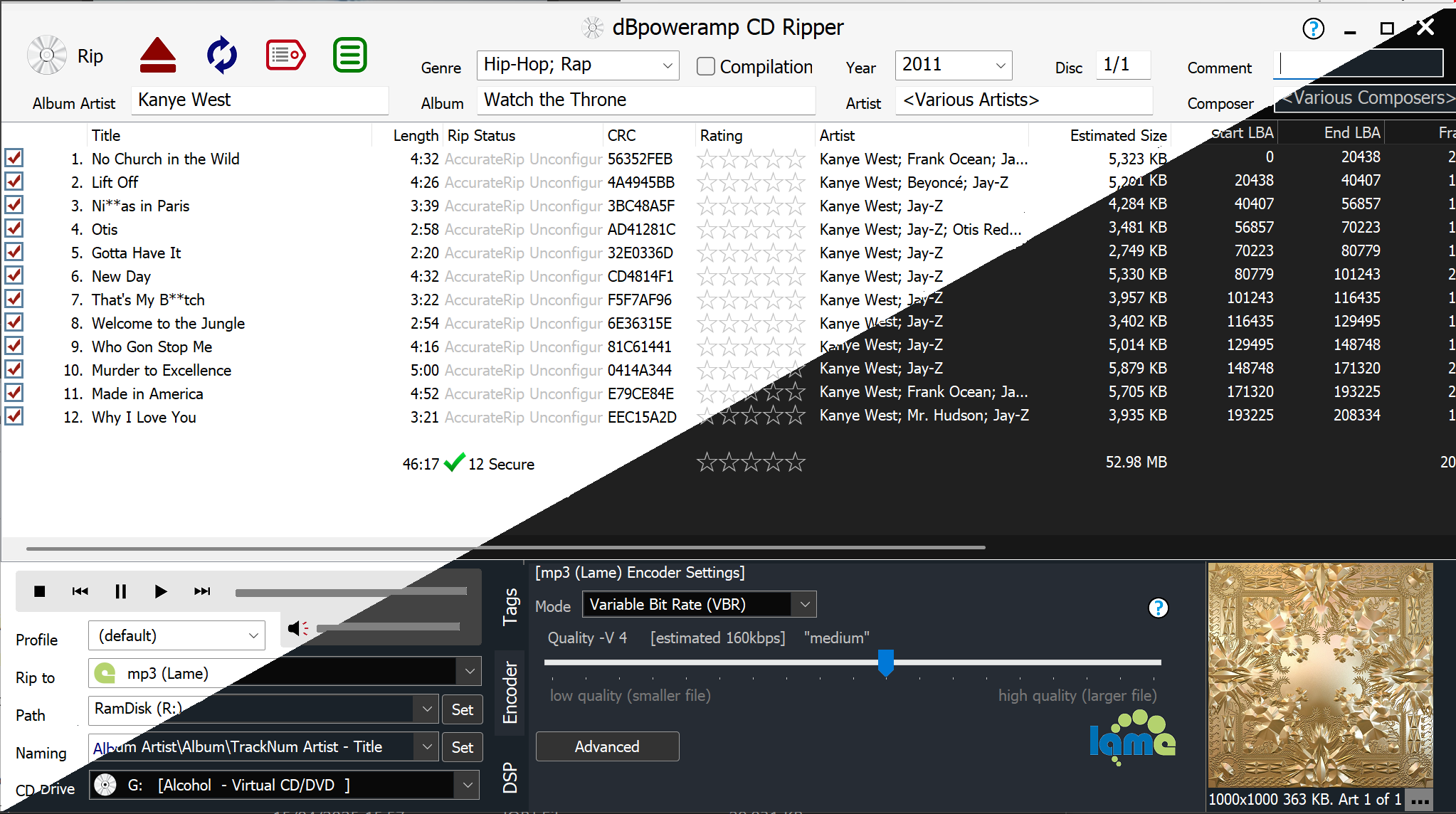
- Great! We have a project that captures all this information. Now you need a piece of software that supports Accurate Rip and can perform the capture. There are many out there. The standard, one might argue, is EAC (Exact Audio Copy). I used it for years, before finding an alternative that I've really enjoyed using over the last few years. dBpoweramp is a collection of audio tools including a CD ripper and converters for audio, video and images. They also have another set of tools called PerfectTunes that help in the management of the audio files after they make it to your file system (e.g., fix the album art, deduplication, etc.) The beauty of the CD ripper (and is a constant feature of tools like this) is their ability to capture a signature from the CD and look it up in a number of databases such as GD3, Discogs, Musicbrainz & freedb, providing the accurate metadata & high resolution album artwork we want.
Fixing the Metadata
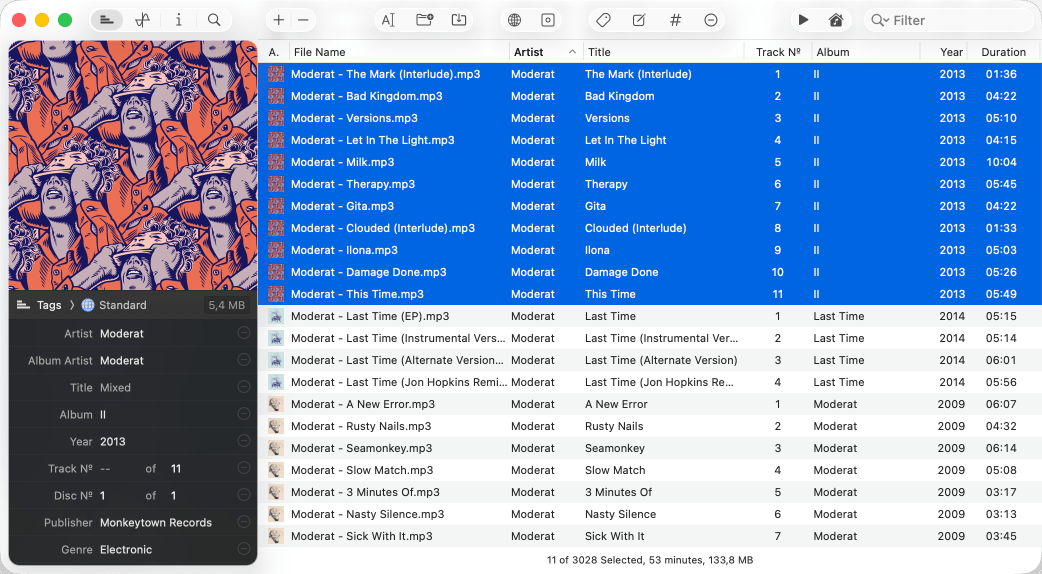
- While the databases above are pretty good, it is surprising how different they can represent the same CD. Sometimes it's just slight variations in how a track might be listed (e.g., remixer name included), whether it uses the leading 'The" (e.g., The Police, vs, Police, The), case changes, etc. Therefore, it's pretty rare that I accept the downloaded metadata verbatim. Now, I could edit that right there in the CD ripper interface, but that is fairly painful. Also, often, you want to make batch changes which leads us to Meta. I found this tool as part of my SetApp subscription and I love it. Such a well thought-out application.